
How to Install IPTV on Firestick 2026: The Ultimate Setup Guide
[rank_math_toc]
The Amazon Firestick has become the ultimate device for cord-cutters across the UK and Europe. But to turn this simple HDMI stick into a powerful entertainment hub, you need to know how to set it up properly. This IPTV Firestick Setup Guide for 2026 will walk you through the fastest installation methods and the best apps to use.
Whether you have just purchased a subscription from UltraOnlineHub or you are looking to optimize your current streaming experience, follow these steps to get your service running in minutes.

Why the Firestick is Best for IPTV in 2026
According to Wikipedia’s Amazon Fire TV overview, the Firestick remains one of the most popular streaming devices globally. Its popularity in the IPTV community comes down to three things:
- Portability: You can take it anywhere, plug it into any TV, and watch your IPTV Europe channels instantly.
- Processing Power: The 2026 models handle 4K UHD streams flawlessly without overheating.
- Sideloading Capability: Unlike Apple TV, Firestick allows you to easily install third-party IPTV apps.

Best Apps to Use for Your Setup
To install IPTV on Firestick 2026, you first need a reliable media player. There are hundreds of apps out there, but only a few deliver the stability required for live sports and 4K movies. Here are our top recommendations for your setup:
1. TiviMate (Best Premium Choice)
TiviMate is widely considered the best application for advanced users. It offers a modern, cable-like interface, multi-screen viewing, and an advanced EPG (TV Guide). It is highly optimized for the Firestick remote, making navigation a breeze.
2. IPTV Smarters Pro (Best for Beginners)
If you want something simple and fast to set up, IPTV Smarters Pro is the way to go. It supports Xtream Codes API perfectly, has a built-in VOD section, and is very lightweight. It’s the perfect app if you are configuring your Firestick for the first time.
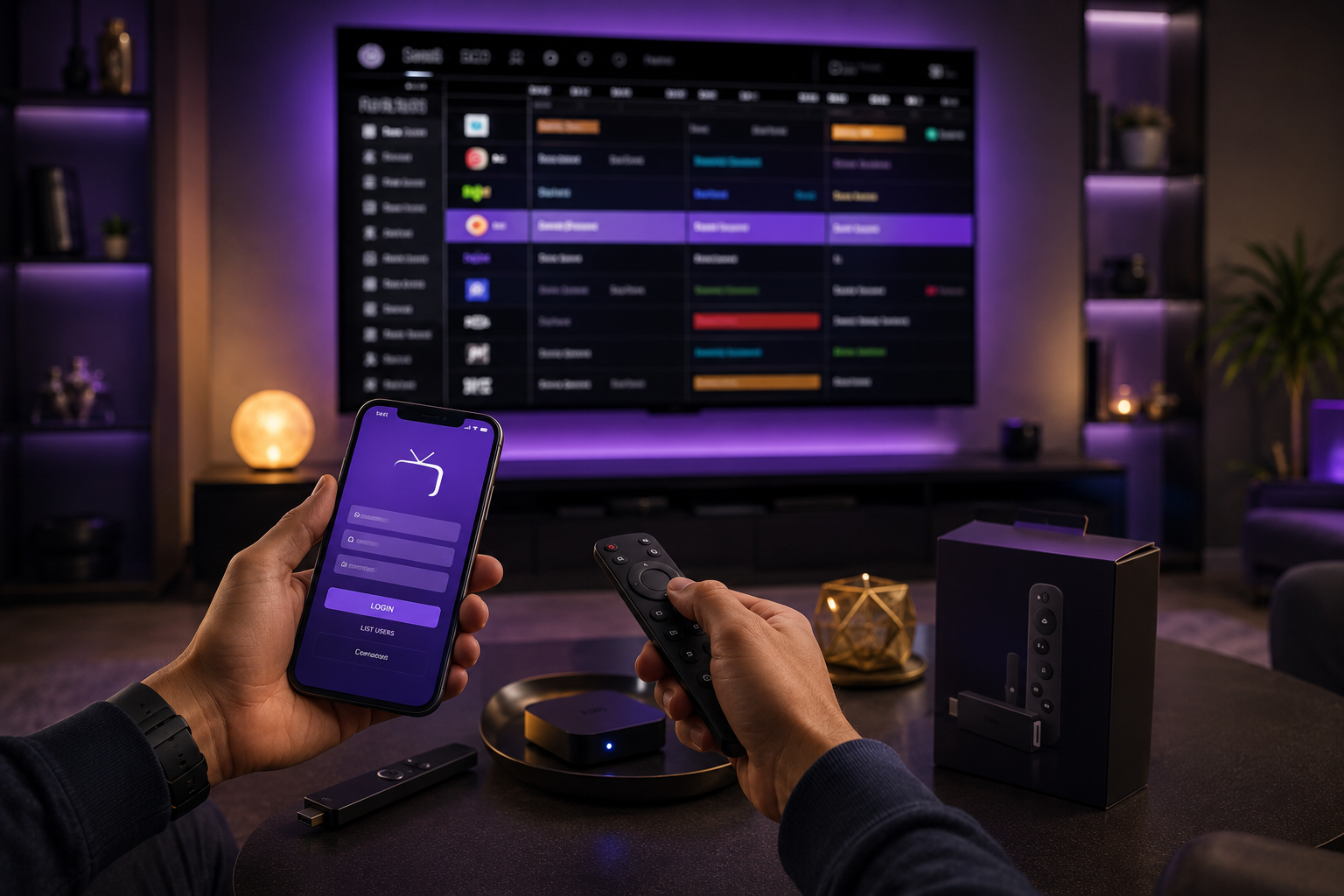
How to Install IPTV Apps on Firestick (3 Steps)
Amazon doesn’t officially list IPTV apps in their store, so you must “sideload” them. It sounds complicated, but it takes less than 5 minutes:
- Install the Downloader App: Go to the Firestick home screen, search for “Downloader”, and install it. This tool allows you to download APK files directly via a URL or code.
- Enable Unknown Sources: Go to Settings > My Fire TV > Developer Options and turn on “Install Unknown Apps” for the Downloader app.
- Download Your App: Open Downloader, type the official short code for TiviMate or IPTV Smarters, and install the APK. Enter your UltraOnlineHub M3U link, and you are ready to watch!

The Best IPTV Subscription for Firestick in Europe
Having the best app means nothing without a high-quality server. If you want to watch the Premier League, La Liga, or local European TV, you need a provider with anti-freeze technology. UltraOnlineHub’s IPTV Europe service is specifically optimized for Firestick devices, ensuring low ping and 4K UHD streaming across all European countries.

Common Firestick IPTV Issues & Fixes
Even with the best setup, you might face minor issues. Here is how to fix them instantly:
- Black Screen with Sound: If you hear audio but see no picture, it’s a decoder issue. Go to your app settings, find “Hardware decoding”, and switch it to “Software decoding”. For a full guide, read our article on how to fix IPTV sound without picture.
- Missing Catch-up TV: Want to watch yesterday’s match? Make sure your provider supports it. Learn everything about Catch-up IPTV 2026 and how to activate it.
- Constant Buffering: This is usually an internet speed issue. Ensure your Firestick is connected to the 5GHz Wi-Fi band, not 2.4GHz.

Conclusion
Knowing exactly how to install IPTV on Firestick 2026 ensures you get the most out of your subscription. Whether you choose TiviMate for its features or IPTV Smarters Pro for its simplicity, combining these apps with a premium IPTV Europe subscription gives you the ultimate TV setup.
Ready to turn your Firestick into the ultimate TV? Get your instant IPTV subscription today!
Pingback: TiviMate vs IPTV Smarters Pro 2026: Best Player Compared
Pingback: Fix IPTV Buffering 2026: Stop Freezing & Lag Permanently
Pingback: Watch Champions League 2026 IPTV: Ultimate 4K Streaming Guide
Pingback: Install IPTV on Smart TV 2026: Samsung & LG Setup Guide
Pingback: Best IPTV for UK Sports 2026: Premier League & Sky Sports 4K
Pingback: Best IPTV for Germany 2026: Bundesliga, DAZN & Sky in 4K
Pingback: Best IPTV for Italy 2026: Watch Serie A, DAZN & Sky in 4K
Pingback: Best IPTV for France 2026: Watch Ligue 1, Canal+ & TNT in 4K
Pingback: Best IPTV for Netherlands 2026: Watch Eredivisie & Ziggo in 4K